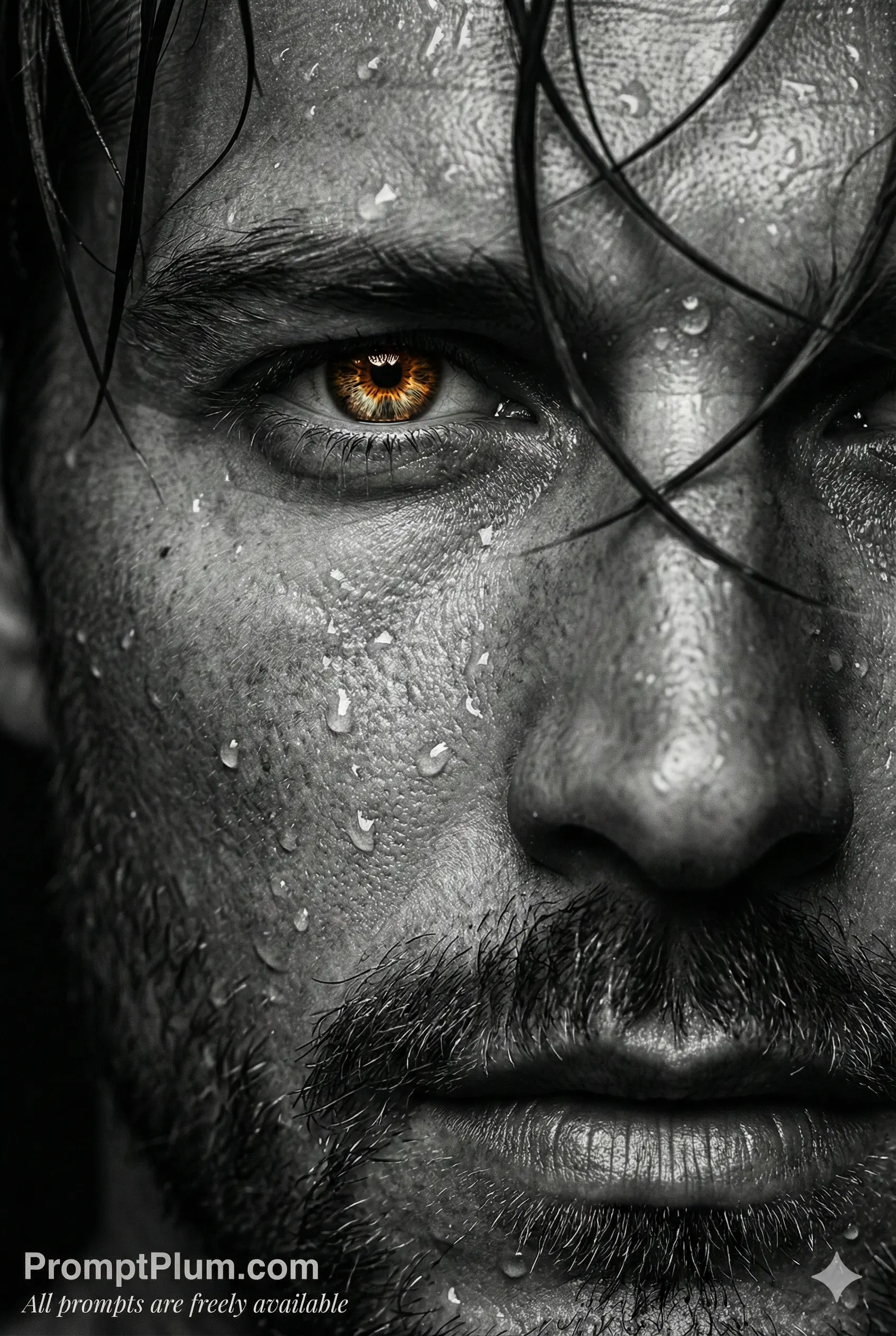
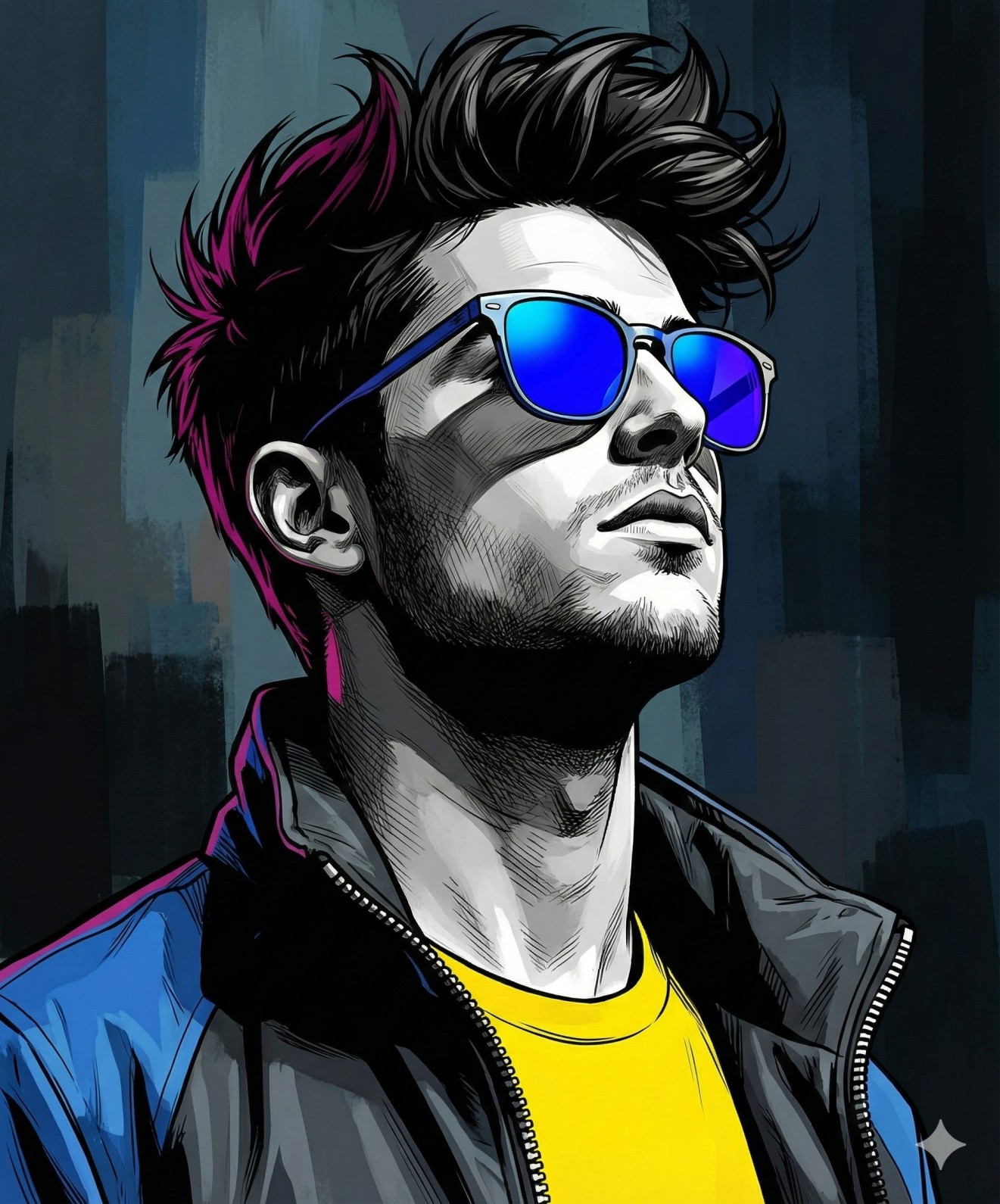
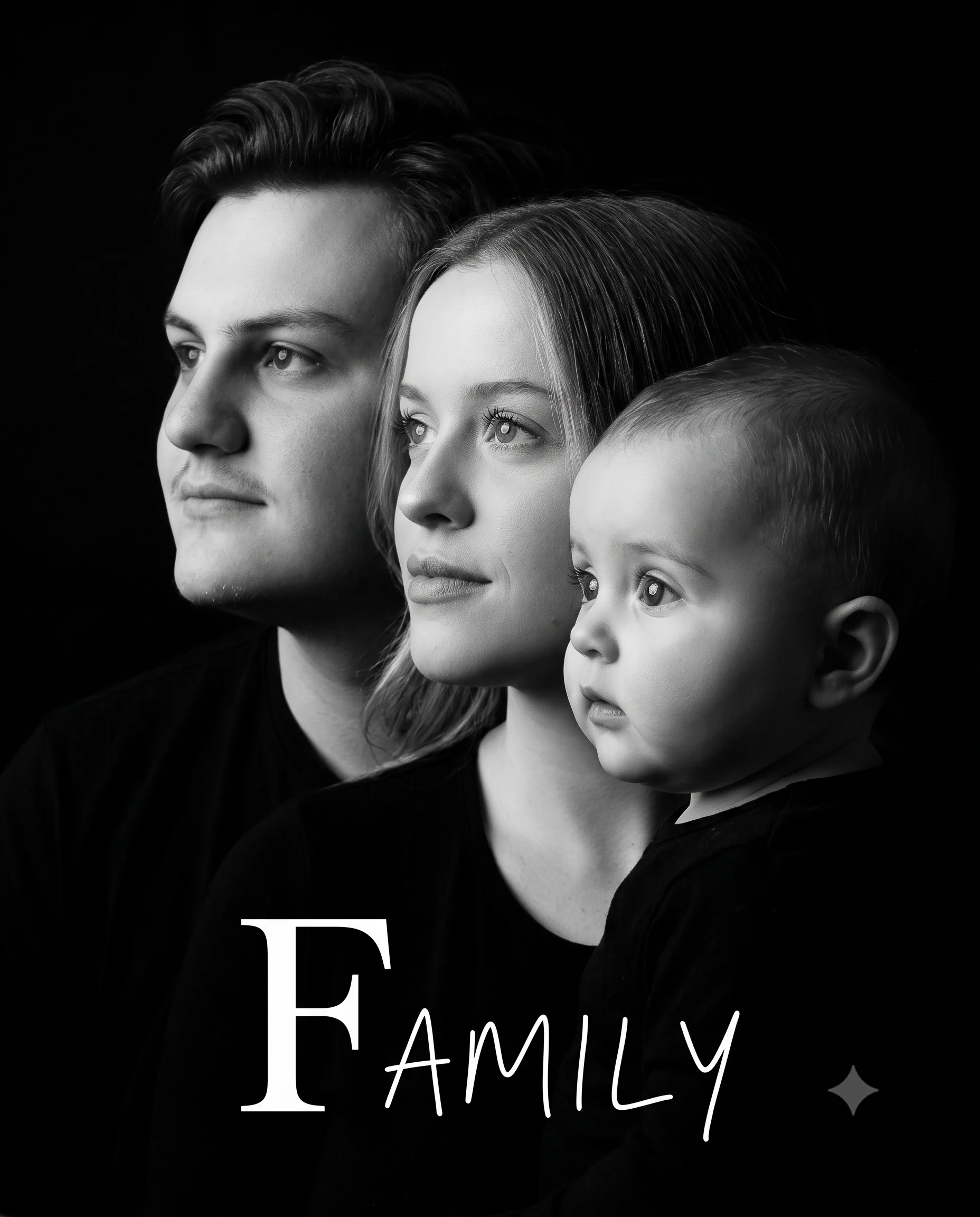
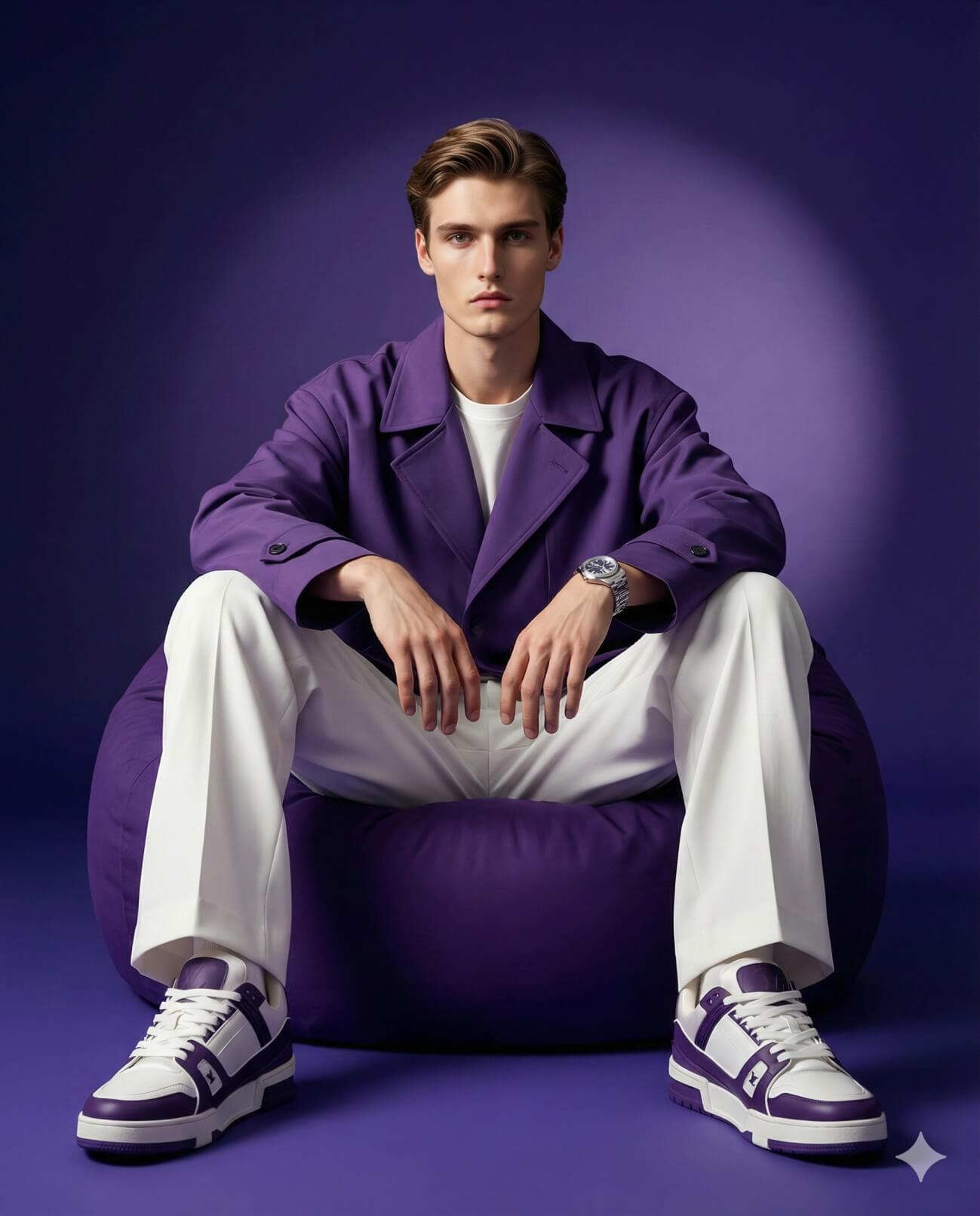
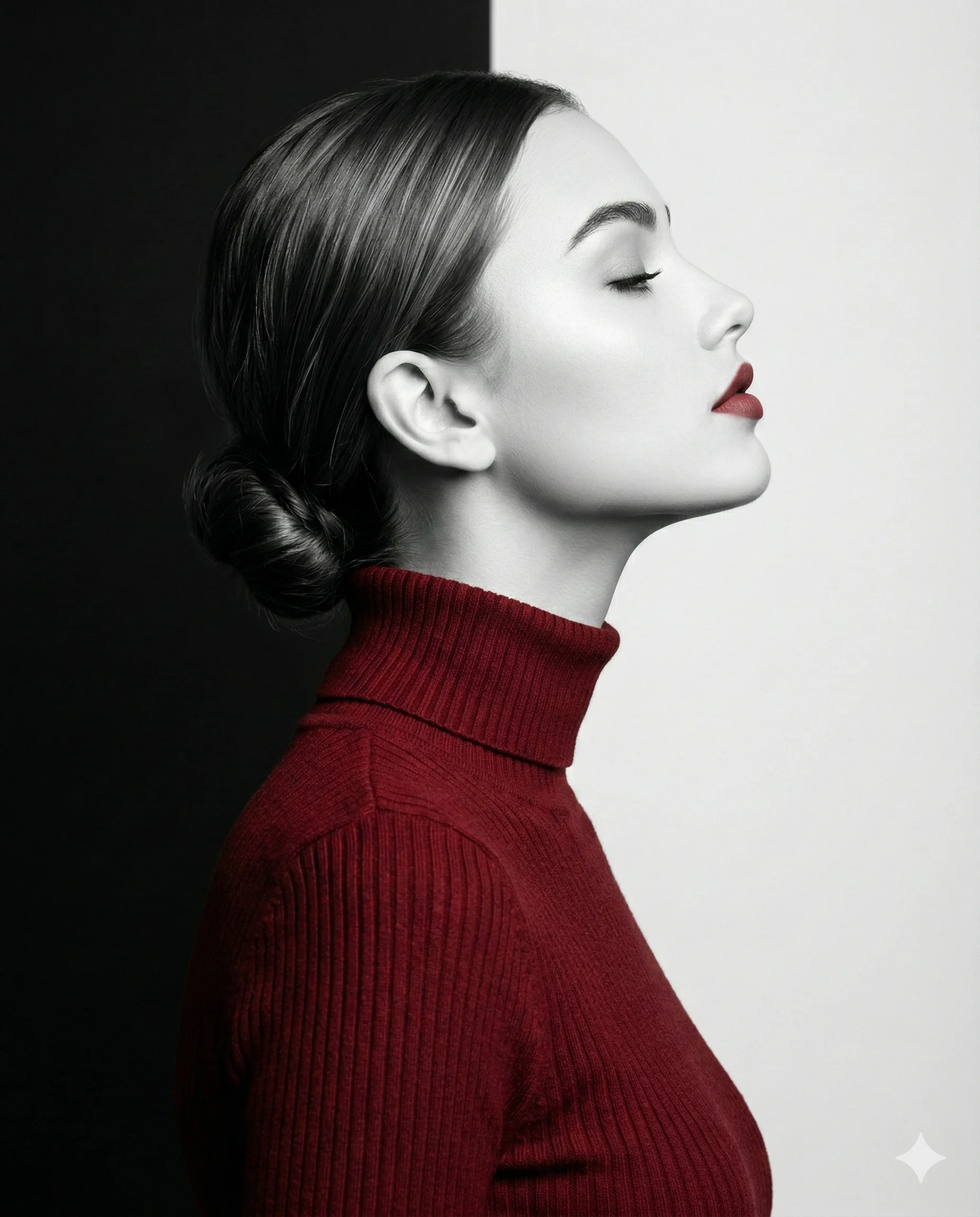
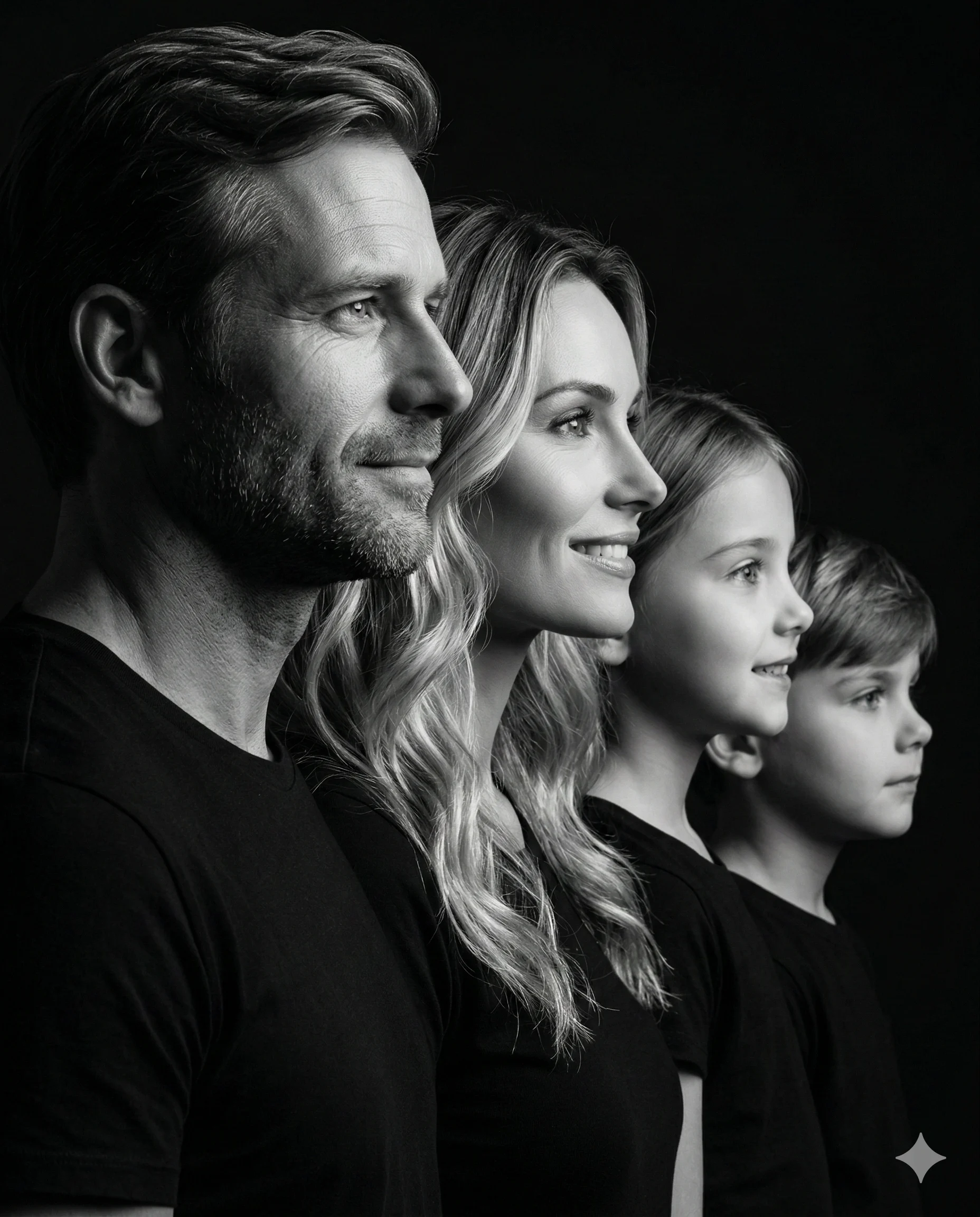
Create a hyper-realistic 4:5 black-and-white low-key fashion portrait using the uploaded image strictly only for face and identity reference. Preserve the person’s real facial identity, face shape, hairstyle, hair volume, eyebrows, eyes, nose, lips, jawline, facial hair if present, skin tone values in monochrome, and natural expression as accurately as possible.
Create a tight upper-body fashion portrait with the subject placed slightly left of center, face close to the camera, shoulders naturally angled, one shoulder slightly lower and closer to the camera, and the chest filling the lower frame. The head is gently tilted to one side, with direct eye contact toward the camera.
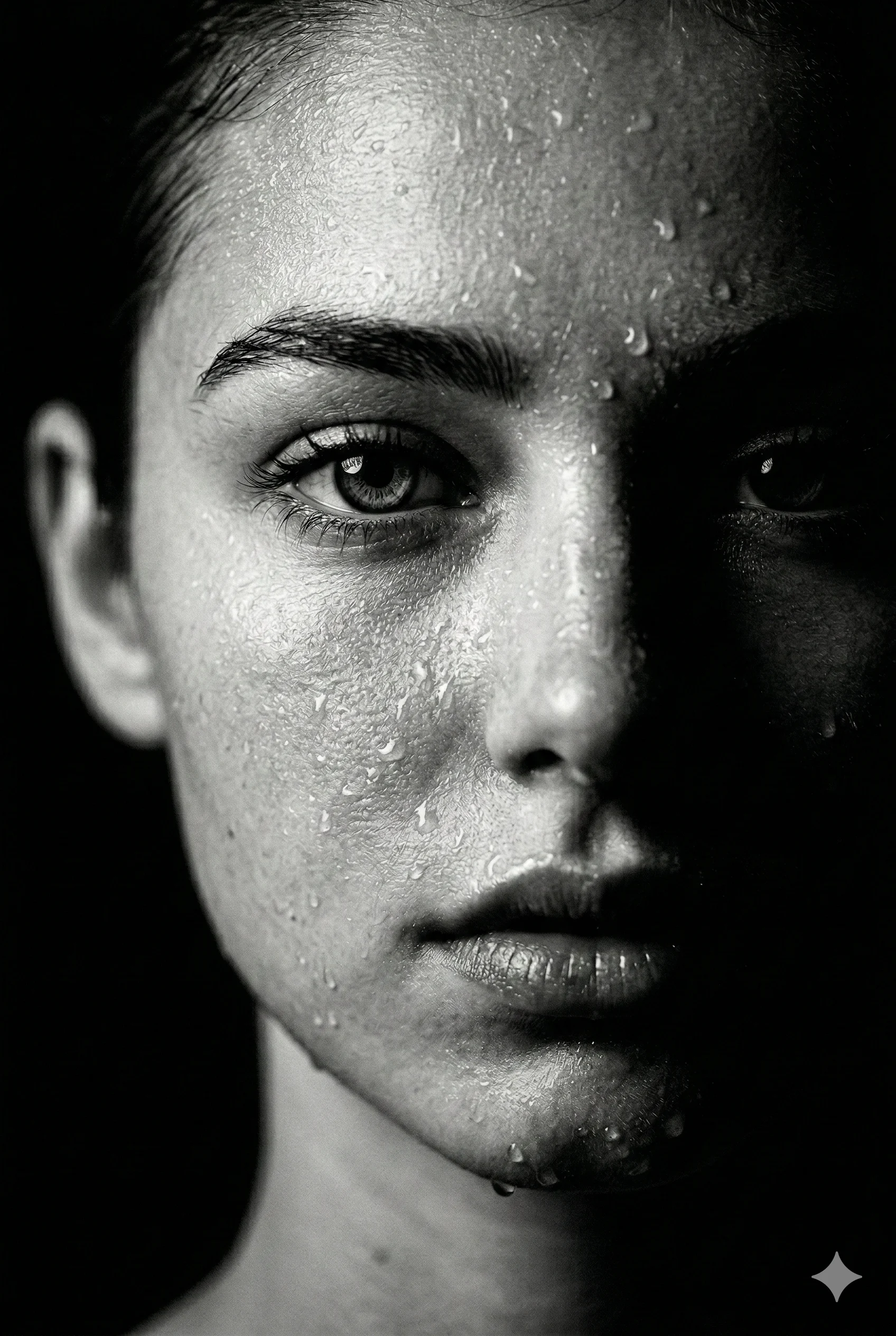
Expression: calm, serious, mysterious, and editorial, with a relaxed mouth, natural face tension, no smile, and no exaggerated emotion. The face should remain mostly hidden in deep shadow, with only subtle highlights revealing the cheekbone, nose bridge, lips, eyes, ear edge, jawline, neck, and hair outline.
Lighting must be dramatic high-contrast black-and-white: strong bright white studio background, very dark foreground silhouette, soft rim light around the hair, ears, neck, and shoulders, deep shadows across the face and clothing, minimal visible facial detail, cinematic low-key contrast, clean highlights, deep blacks, and subtle film grain.
Clothing: plain oversized black crewneck sweatshirt with realistic matte fabric texture, soft folds, dropped shoulder seams, and a premium minimal look. No visible logo, no readable text, no chest graphic, and no accessories unless already present in the uploaded face reference.
Use a premium fashion photography style with a 50mm–85mm portrait lens look, close portrait perspective, shallow depth of field, realistic skin texture, natural pores, detailed hair strands, high dynamic range, clean white background, and subtle analog film grain.
Do not add extra objects, logos, readable text, watermarks, cartoon style, plastic skin, overexposed faces, beauty filters, distorted facial features, extra limbs, or AI-generated artefacts.