PromptDrip
PromptDrip 8K AI PROMPT VAULT
PROMPT DETAIL

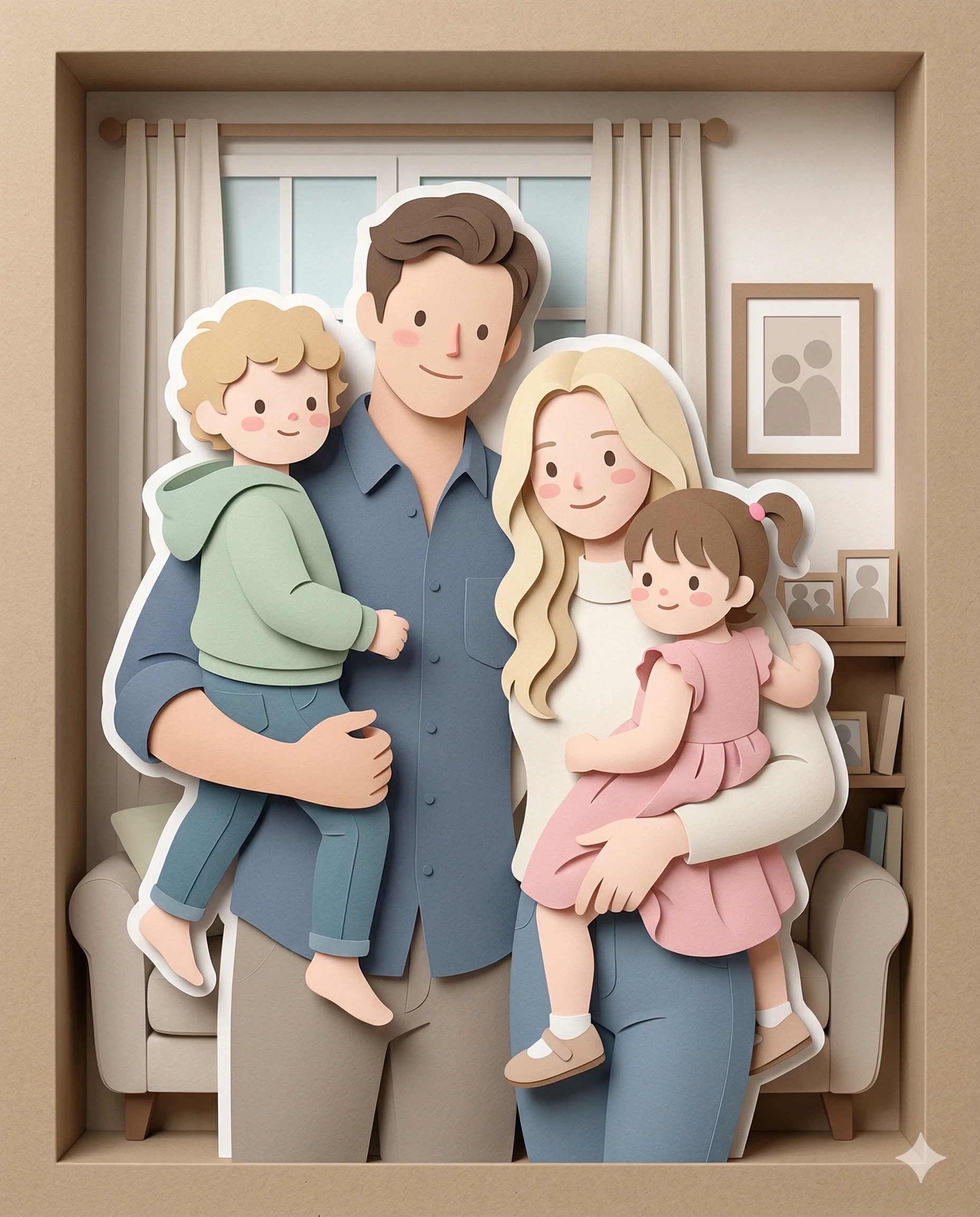
Layered Paper Cutout Children Illustration Art

Shared by @PromptDrip • Sep 21, 2026

PROMPT

Optimized for Gemini

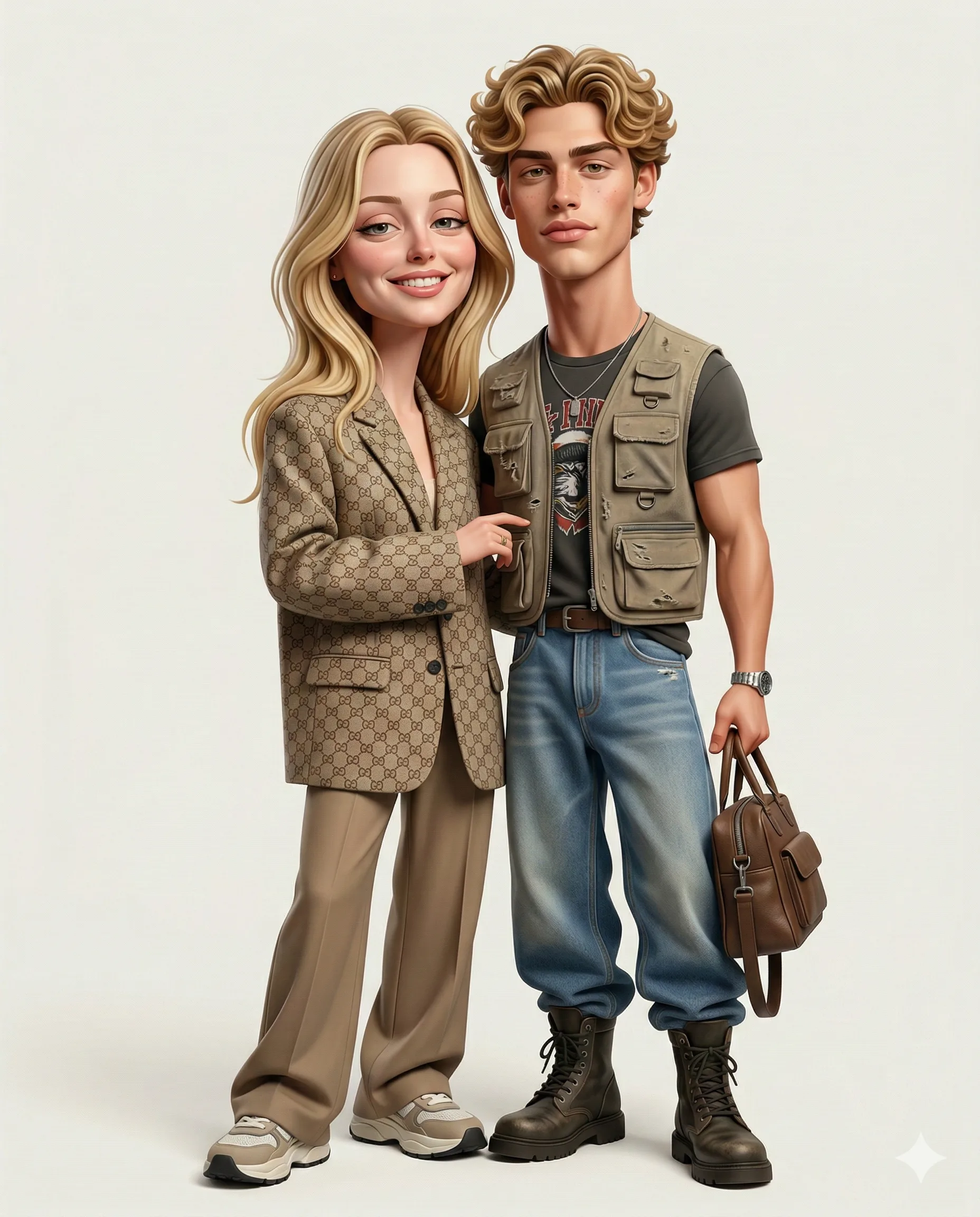
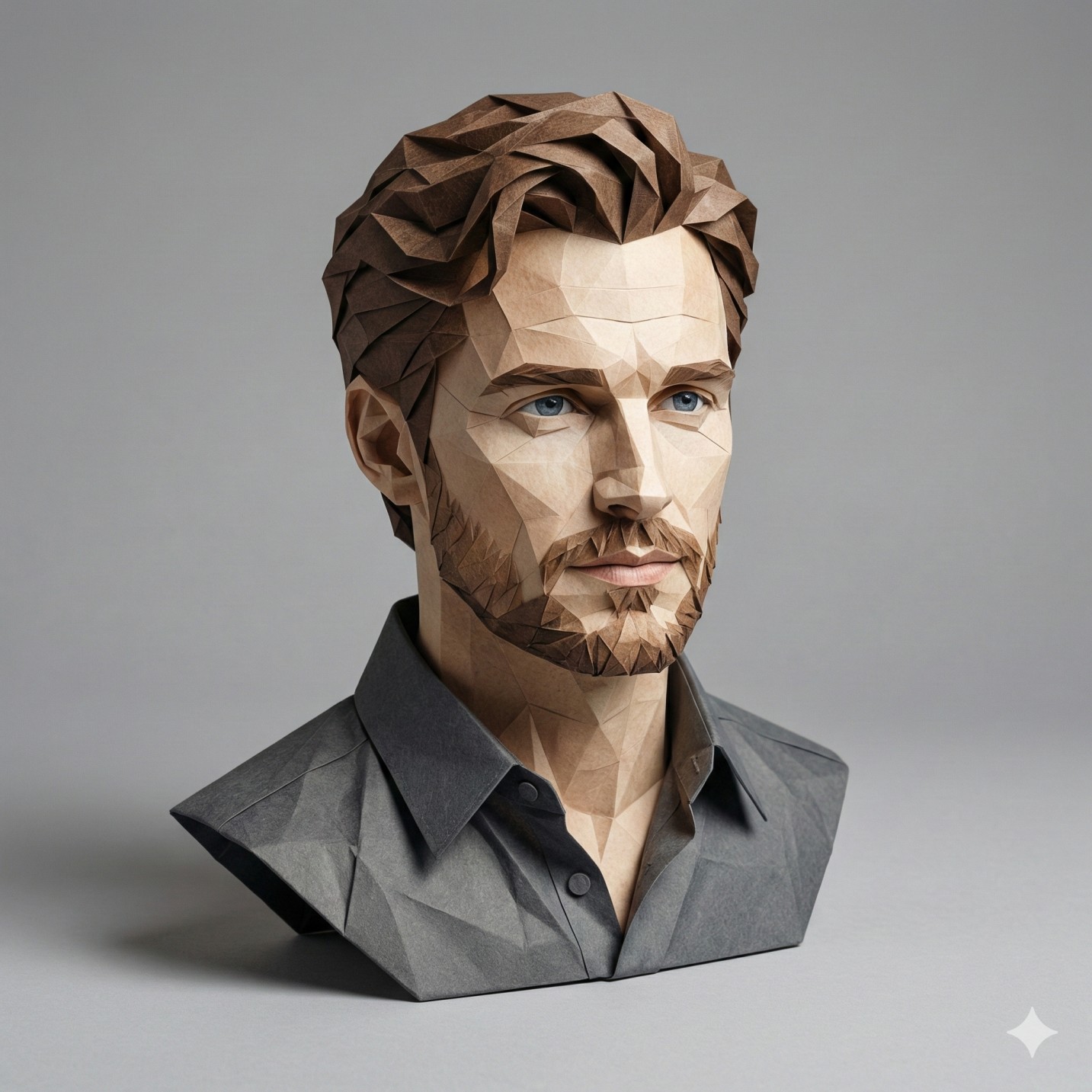
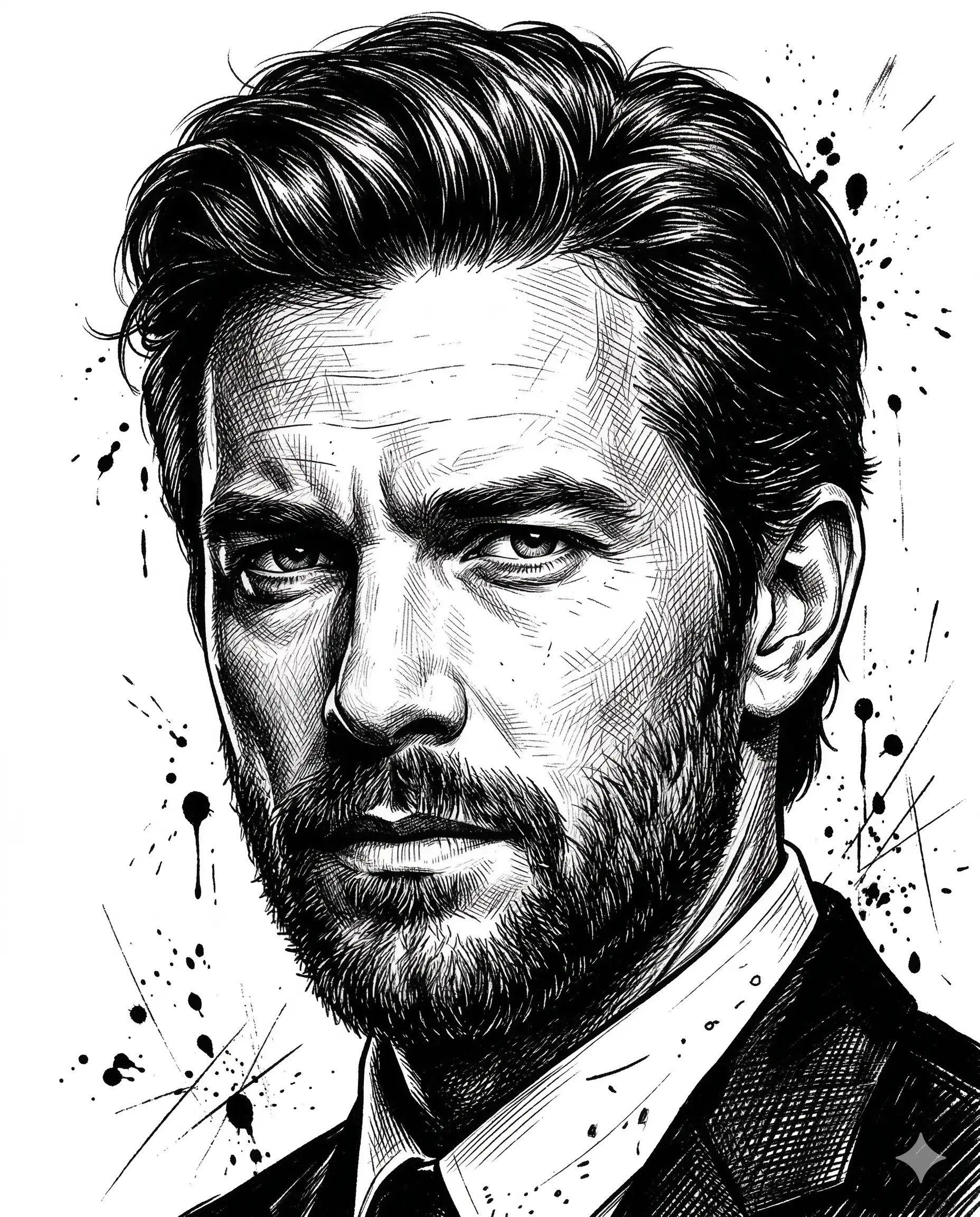
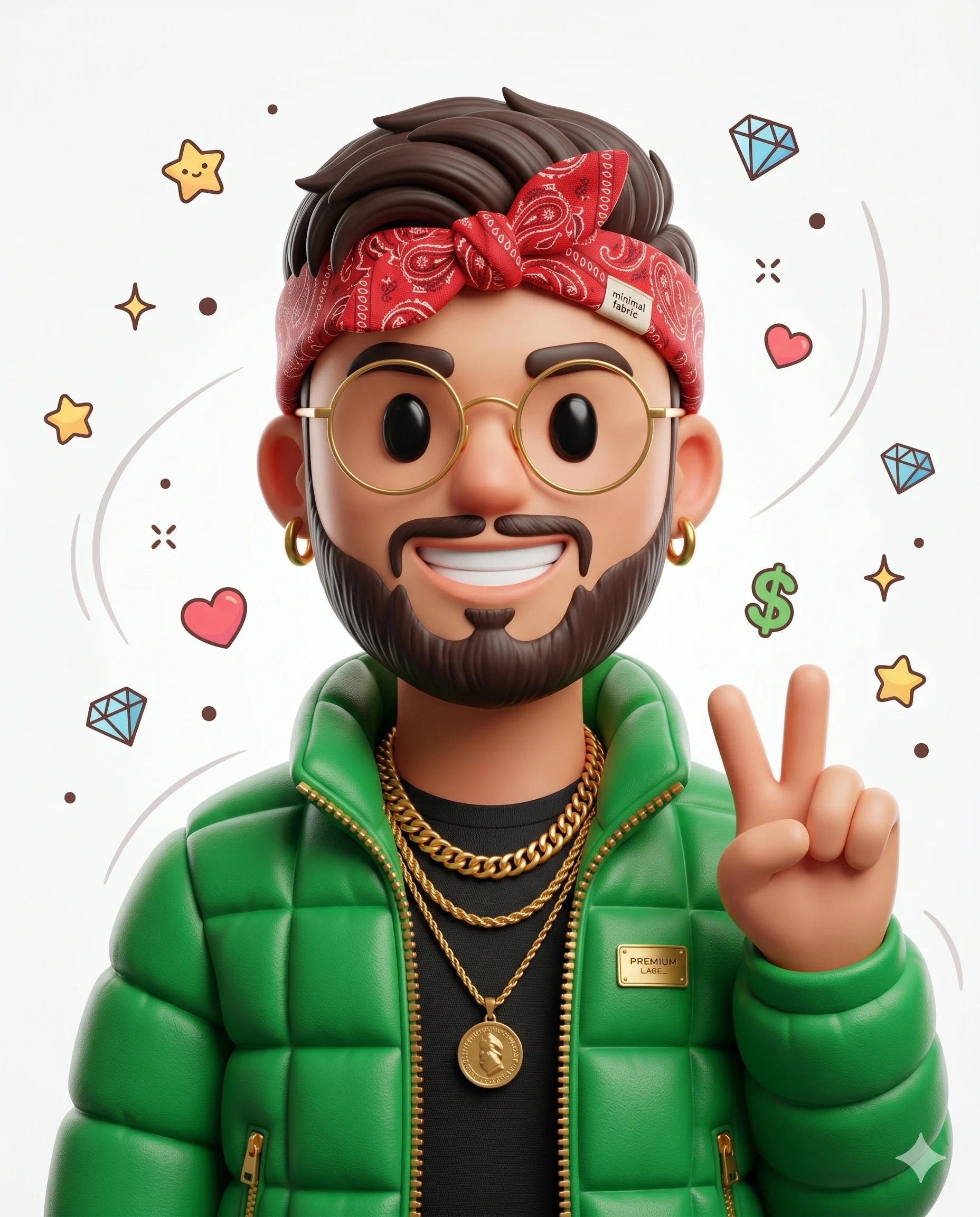
Convert the attached image into a soft, handcrafted paper-cut layered illustration in a papercraft diorama style. Preserve the original composition and subject identity, but simplify forms into smooth, rounded shapes with cute, stylized proportions. Use minimal facial details (dot eyes, subtle blush, tiny mouth) to create a warm and charming expression. Construct the scene using stacked paper layers with clear depth separation. Each layer should have clean, crisp cut edges (like precision laser-cut cardstock) and subtle soft shadows between layers to enhance dimensionality. Place the entire composition inside a 3D recessed shadow box frame (diorama box). The frame should have: A thick outer border made of matte paper/cardboard Visible inner depth (inset walls) creating a boxed environment Soft ambient shadows along the inner edges to emphasize depth Background layers receding naturally toward the back of the box The frame should feel like a real handcrafted display piece, not flat—clearly showing physical depth from front to back. Add a distinct solid white outer outline layer around each main subject, resembling a thick sticker border or white paper backing. This must read as a physical paper layer—not a glow or blur—and should clearly separate the subject from the background. Detect from reference image and use a correct soft pastel color palette (like: muted blues, gentle greens, warm neutrals), keeping tones balanced, calm, and cohesive. Lighting should be soft, diffused, and even, with no harsh highlights or contrast—just enough to reveal depth between layers. Apply a matte, tactile texture across all elements, resembling thick craft paper or foam sheets. Overall mood: cozy, wholesome, gentle, and storybook-like, with a clean, polished handcrafted aesthetic suitable for modern illustration or children’s book artwork.

ChatGPT Gemini

How to Use This Prompt

Quick 3-step guide to generate or edit your AI photo

1

Copy Prompt

Click the orange Copy button above to copy the prompt text.

2

Open AI Tool

Open Gemini or ChatGPT using the 1-click buttons.

3

Paste & Generate

Paste the prompt, attach your photo (optional), and hit send to get your 8K photo!

💡 Pro Tip: Attach your reference portrait photo with the prompt in Gemini or ChatGPT to generate this exact aesthetic with your own face!

Community Rating

4.6
28 Ratings
5
21
4
5
3
1
2
1
1
0

Rate this prompt

Model or Tool

Gemini

You might also like

8K AI Prompt copied to clipboard!